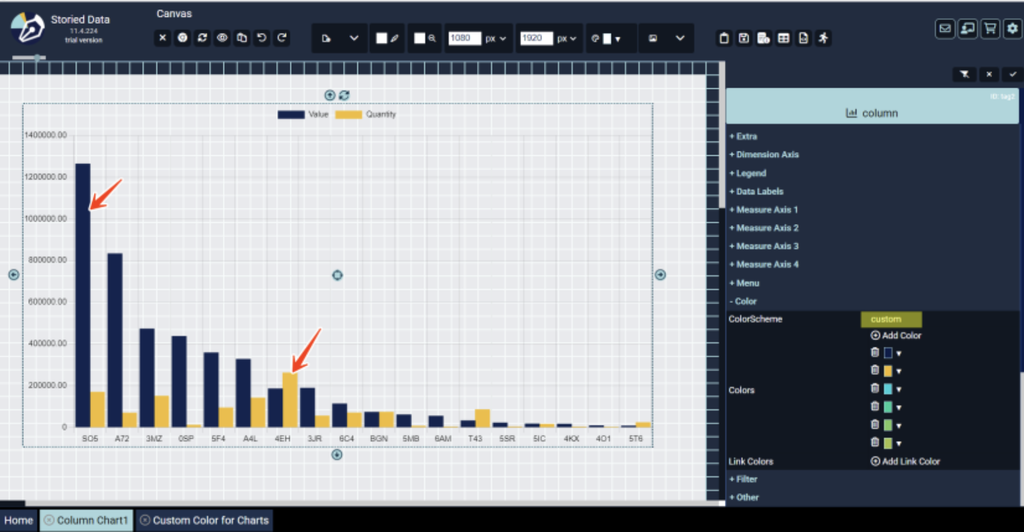
Replace a chart’s default colors with your own using the color picker, HEX/RGB values, or the eyedropper. Colors are applied to each bar or series in order.
In the chart’s Color property group, click a color to change it.
You can pick a new color with the color picker, type a HEX or RGB value, or use the eyedropper. Colors are applied in order, so the first color goes to the first bar or series, the second color to the second, and so on.
Use Add Color if your chart has more series than colors.
Click below for the instructions: