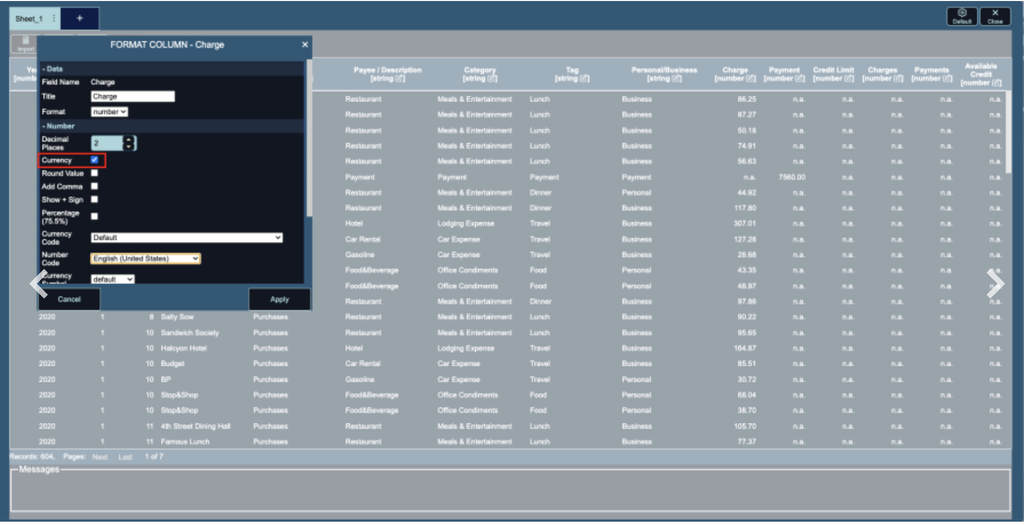
The Data screen lets you make quick formatting changes to your data without editing your source file. For example, you can change the date format of a time field, show a number column as currency by choosing a number code (regional format) and a currency code, or display values as percentages.
Click the pencil icon under any column name to open its format options, make your changes, and click Apply. The changes are reflected in the data without affecting the source data.
Click below for the instructions: