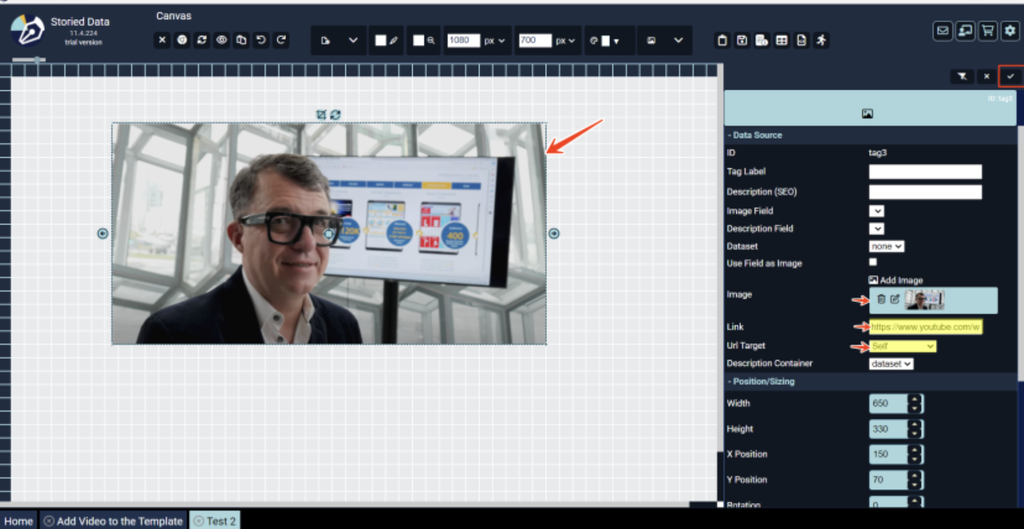
Add YouTube videos to your template in one of three ways:
- Linked image: add a clickable image that opens the video on YouTube.
- HTML element: add the video’s embed code as an HTML element so it plays inside your InfoApp.
- Your template’s HTML file: paste the embed code into the file and set the video’s size and position yourself.
The guide walks through each method step by step.
Click below for the instructions: